Overview
MediaFirst is an end-to-end, cloud-native TV and video service platform developed by MediaKind.
If a service provider wants to modernize their TV/video service infrastructure (moving from legacy hardware + STBs + siloed systems) toward a more agile, software-driven, multi-screen, streaming-friendly model, MediaFirst is positioned as one of their core platforms
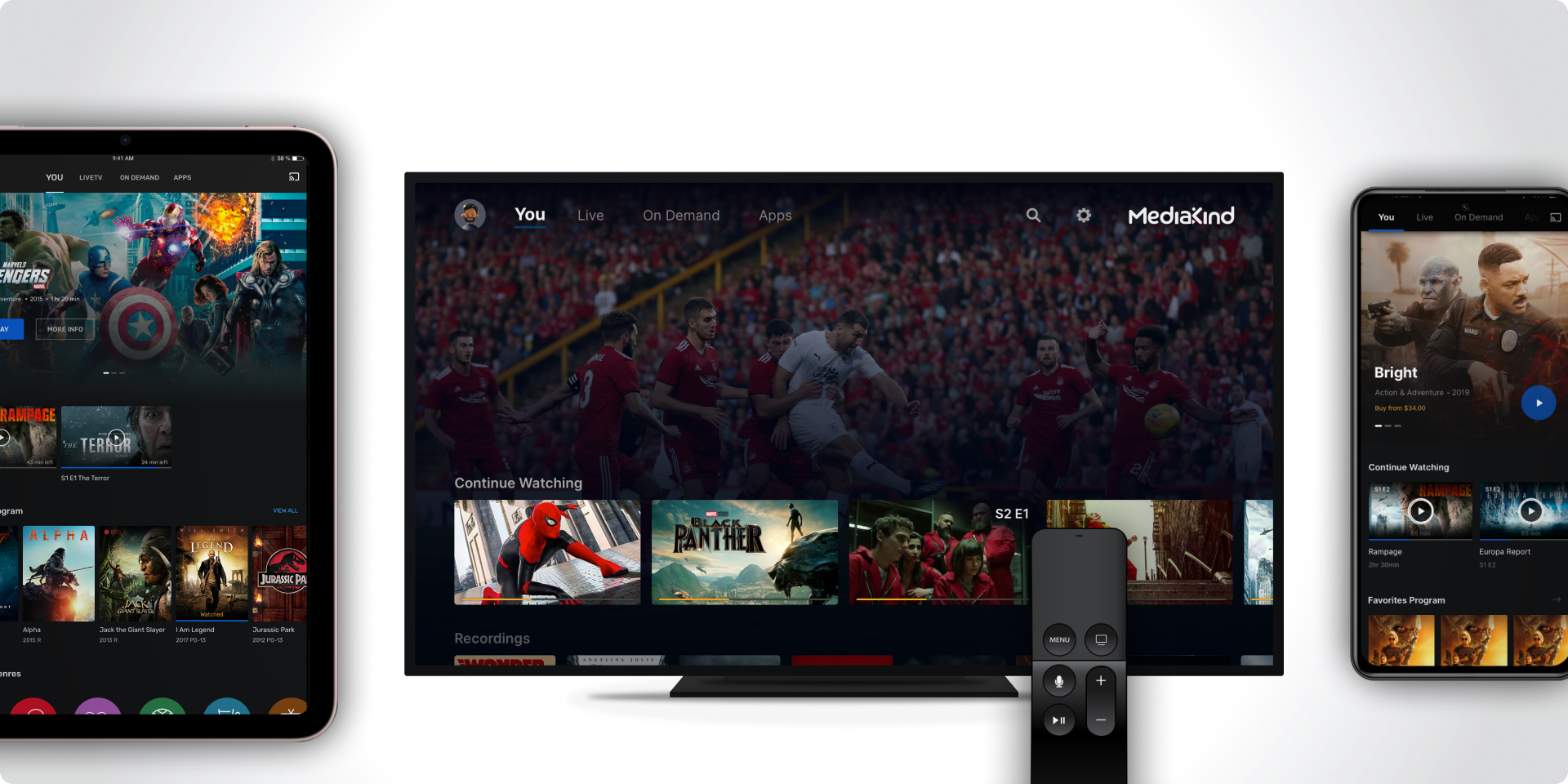
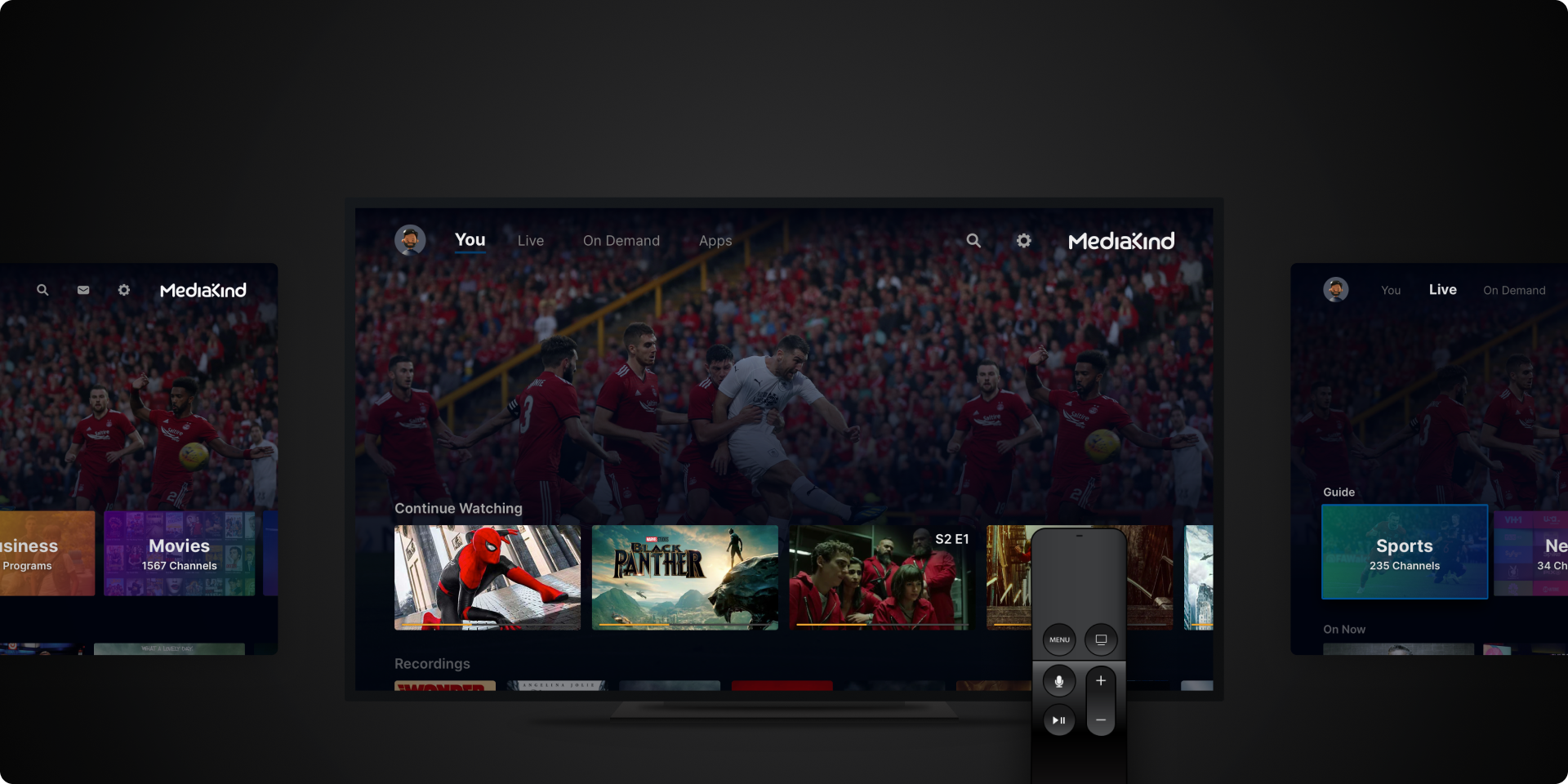
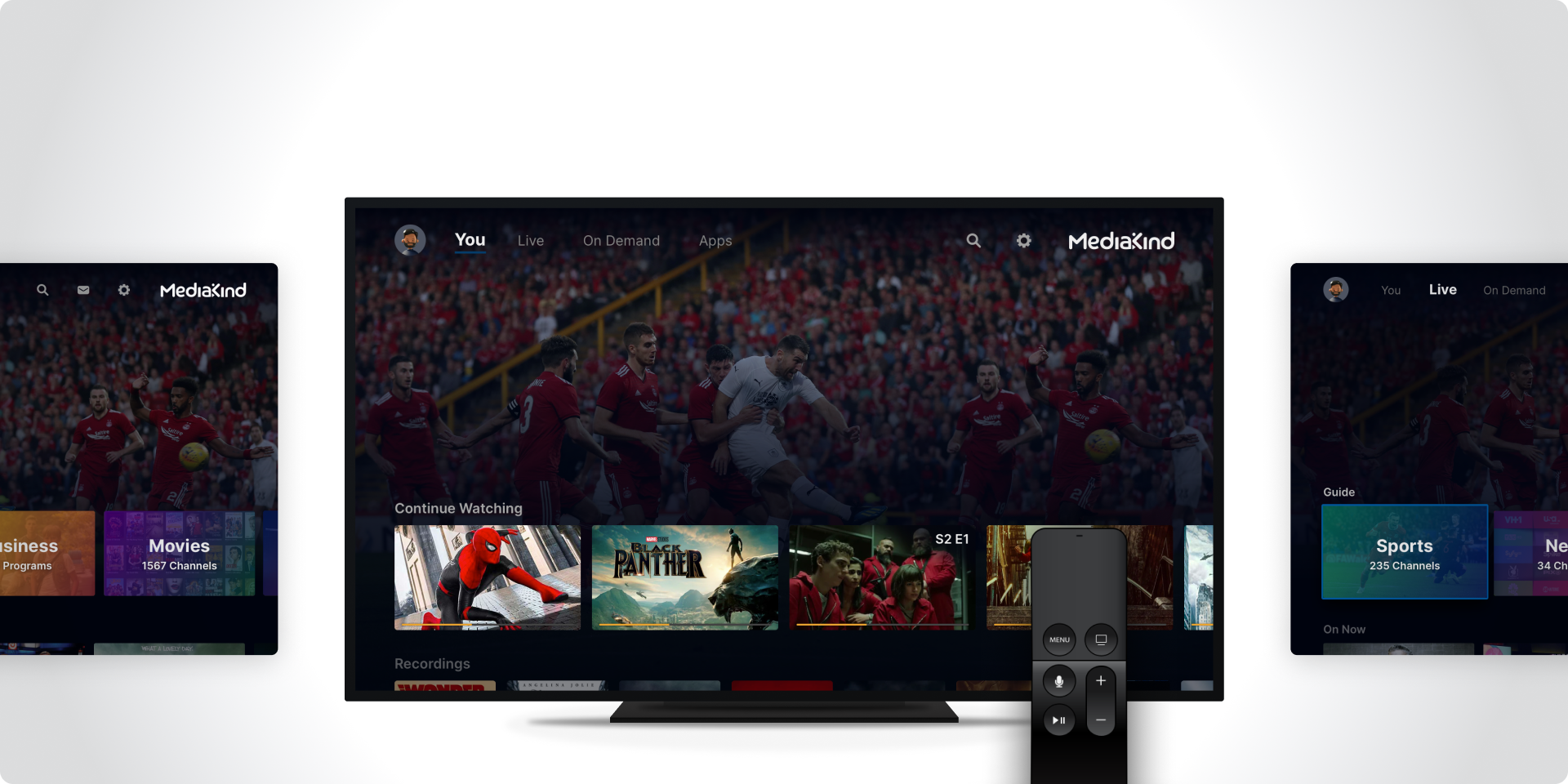
The UX & UI is one of the most critical parts of creating a platform like MediaKind’s MediaFirst, since this is where the complex technology is translated into a seamless, engaging, and accessible experience for millions of users across screens (TV, mobile, tablet, web, set-top boxes).
Overall Goal
Design an experience that’s:
- Intuitive (users can easily find, watch, and manage content)
- Consistent (across devices and operator brands)
- Scalable (can evolve with new features and markets)
- Delightful (aesthetically pleasing and emotionally engaging)
User Journey & Experience Mapping
Purpose:
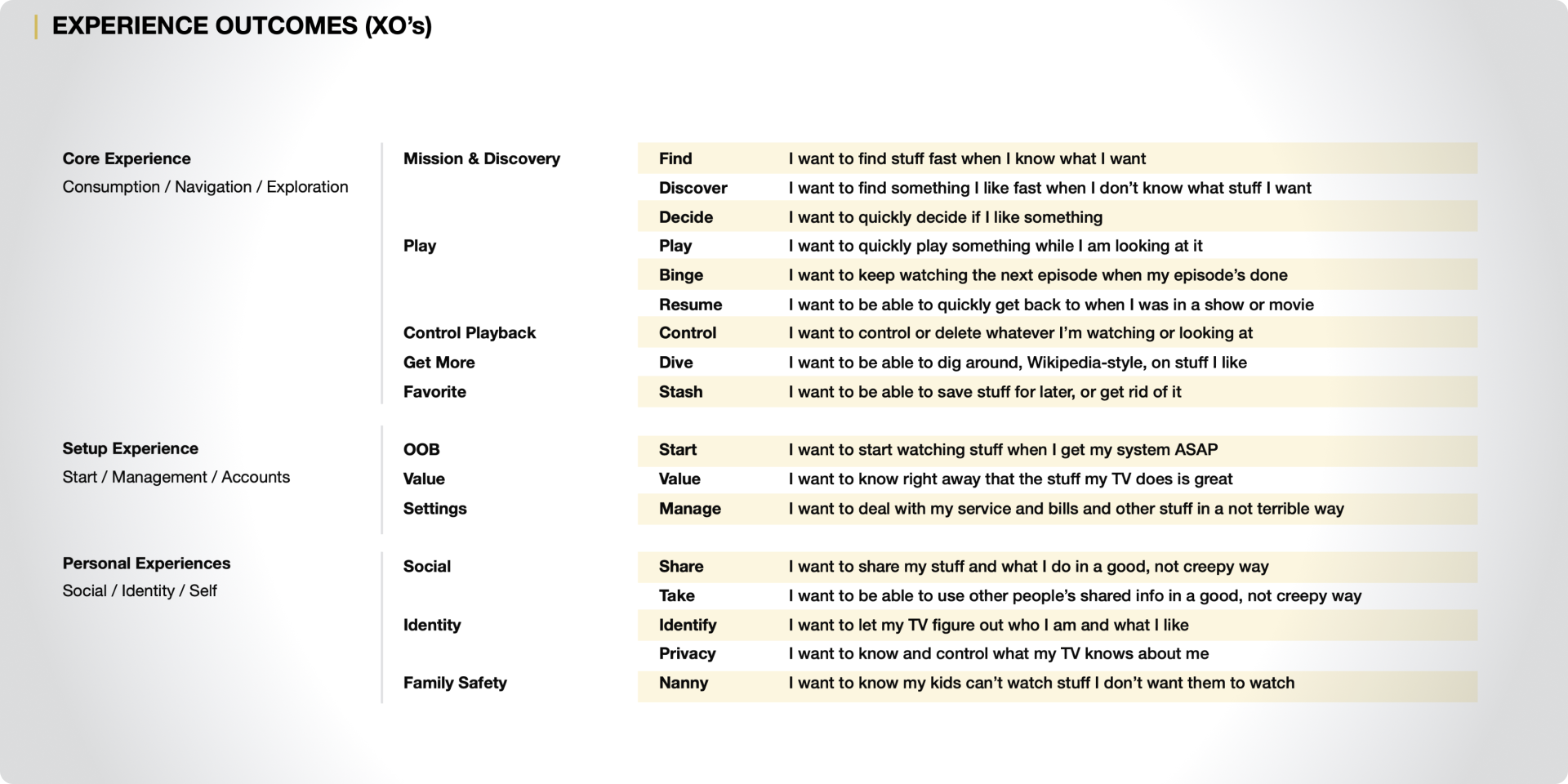
Understand how users (both operators and subscribers) interact with the platform from start to finish.
Activities:
- Persona Creation:
- Subscriber personas – e.g., binge watchers, sports fans, family users, casual streamers.
- Operator personas – system admins, customer support staff, marketing managers.
- User Journey Mapping:
Map key journeys such as:
- Onboarding and signup
- Browsing and content discovery
- Watching live TV or VOD
- Managing DVR and favorites
- Switching between devices (start on TV, continue on mobile)
- Touchpoint Definition: Identify every device and context (remote, app, browser, voice control).
- Pain Point Analysis: Gather insights from usability research or legacy systems (e.g., slow navigation, hidden settings, search difficulties).
Deliverables:
- Persona documentation
- Journey maps
- Experience blueprints showing all screens and backend touchpoints
Information Architecture (IA) & Content Structure
Purpose:
Organize the content and features in a way that’s logical, accessible, and easy to navigate.
Activities:
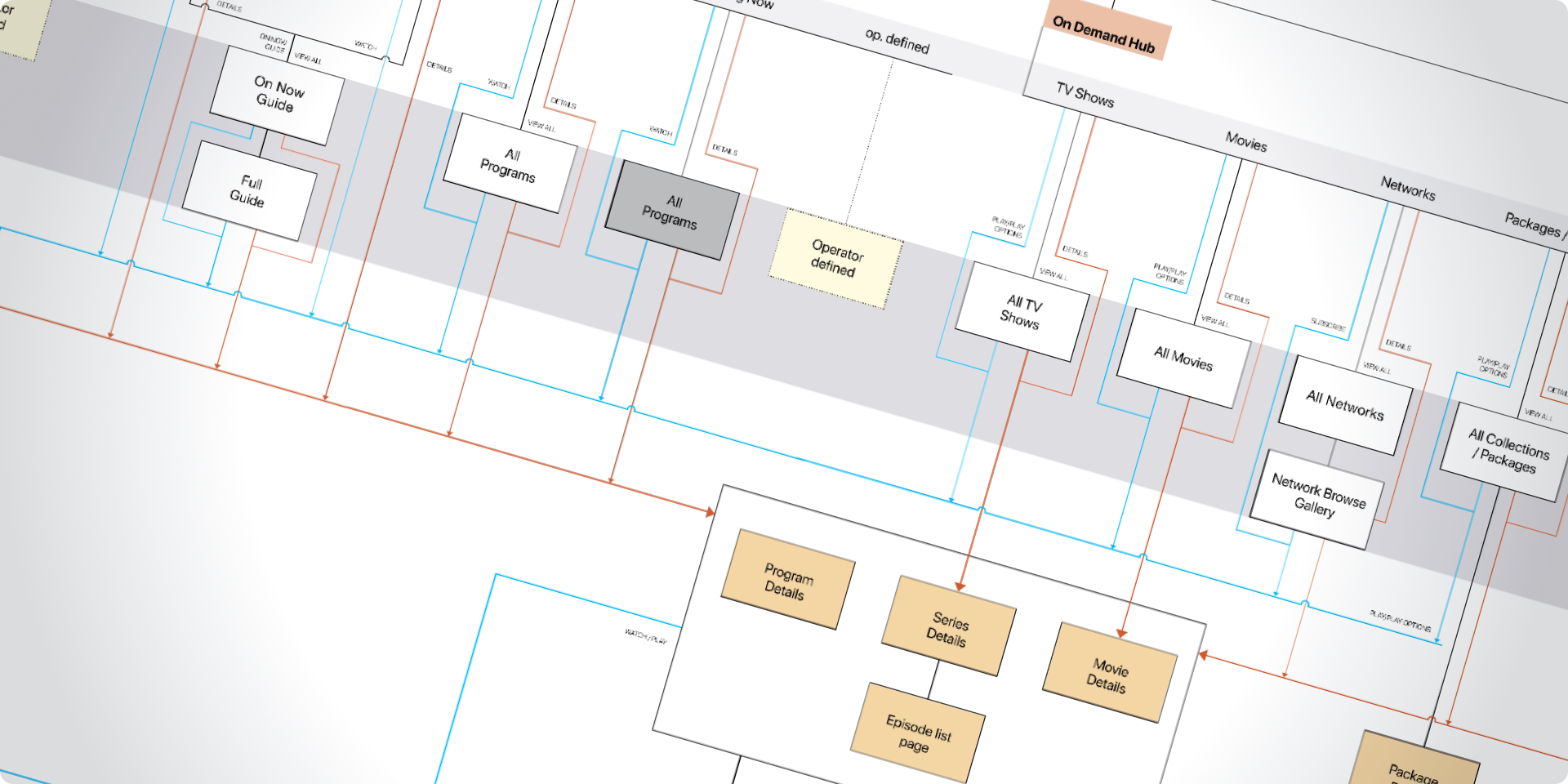
- Define Navigation Hierarchy:
- Top-level categories: Home, Live TV, On Demand, Search, My Account, Settings.
- Subcategories: Genres, Channels, Recently Watched, Continue Watching, Recommendations.
- Metadata & Discovery Framework:
- How titles, series, and episodes are grouped and displayed.
- Design patterns for collections, recommendations, and carousels.
- Cross-platform Consistency:
- Ensure mobile, web, and STB follow consistent navigation logic but are optimized per device.
Deliverables:
- Sitemap and content hierarchy
- Feature grouping and navigation flow
- IA validation through card sorting or tree testing
Wireframing & Interaction Design
Purpose:
Define how users interact with the platform — layout, flows, and behaviors — before investing in visuals.
Activities:
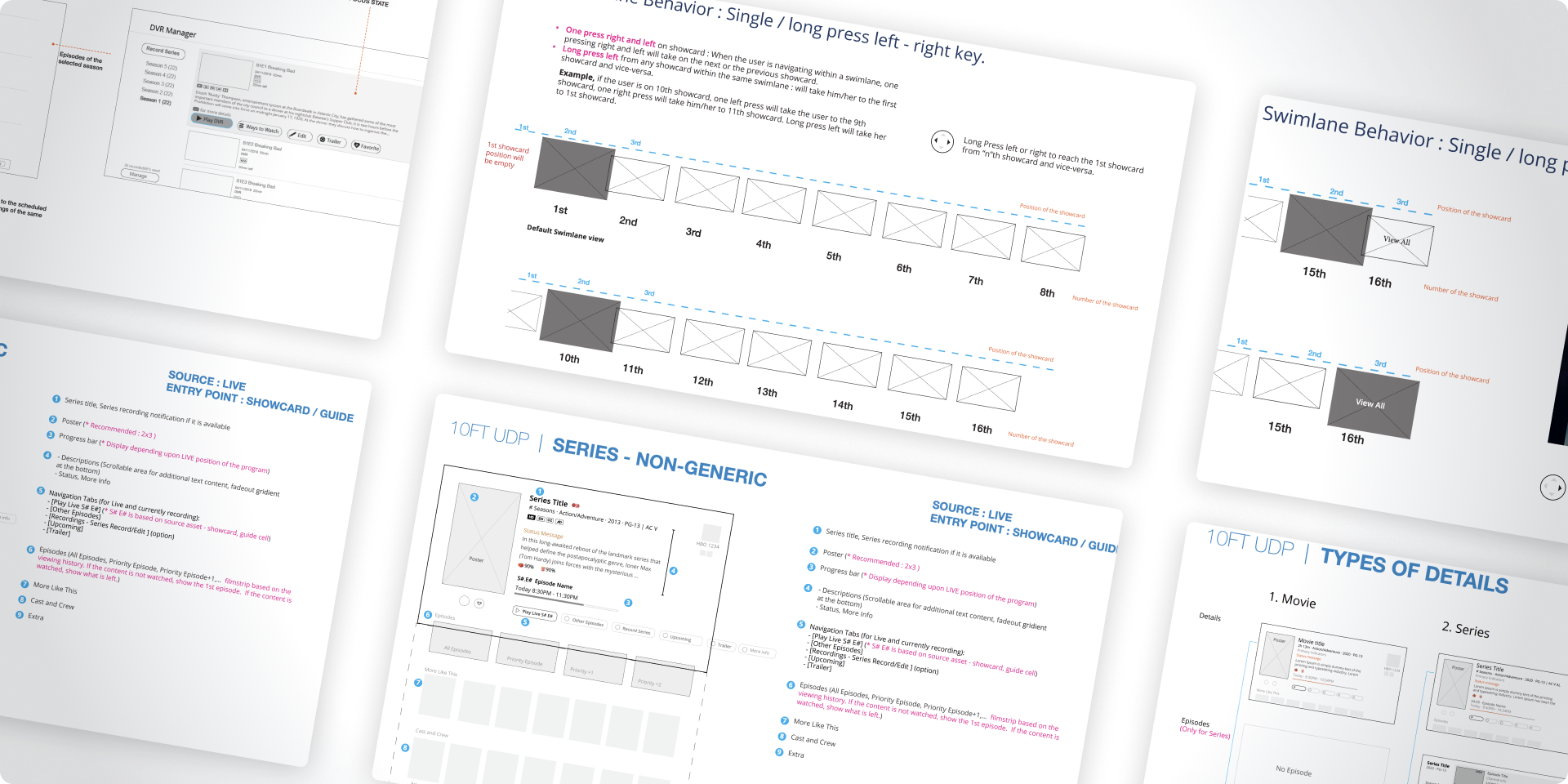
- Low-fidelity Wireframes:
- Quick layouts to test structure and screen flows for different devices.
- Interaction Models:
- Focus, hover, click, swipe, long-press (especially important for TV remote navigation).
- Define transitions between states (e.g., from browsing to playback).
- Responsive Behavior Design:
- Ensure that layouts adapt well between large screens (TV) and small screens (mobile).
- Accessibility Planning:
- Font legibility on TV distance
- High contrast modes
- Voice and screen-reader compatibility
Deliverables:
- Wireframe sets for key user flows
- Interactive prototypes (Figma, Axure, XD)
- Interaction pattern documentation
Visual Design & Design System Development
Purpose:
Establish a cohesive, modern, and brand-aligned visual language for all interfaces.
Activities:
- Design Language Creation:
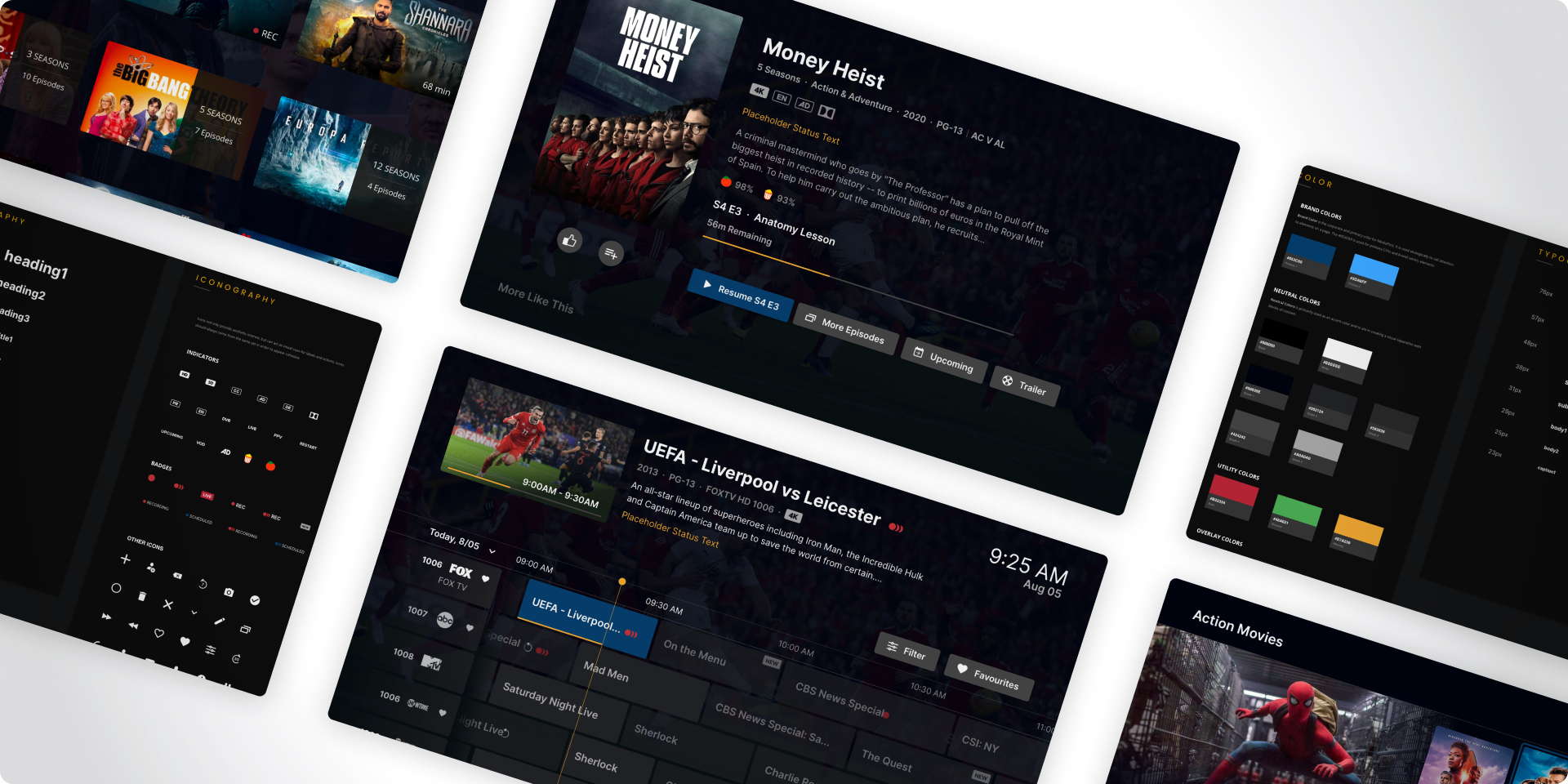
- Define color palette, typography, iconography, shadows, radii, and motion.
- Create brand-neutral themes that can be reskinned by different operators.
- Component Library (Design System):
- Modular UI components (cards, carousels, buttons, playback controls, dialogs).
- Built for scalability and cross-device reusability.
- TV-first & Multi-screen Adaptation:
- TV: high contrast, large text, remote focus states.
- Mobile: gesture-based navigation.
- Web: mouse + keyboard interactions.
- Motion & Animation Design:
- Micro-interactions (focus transitions, loading states).
- Smooth animations for content transitions and overlays.
Deliverables:
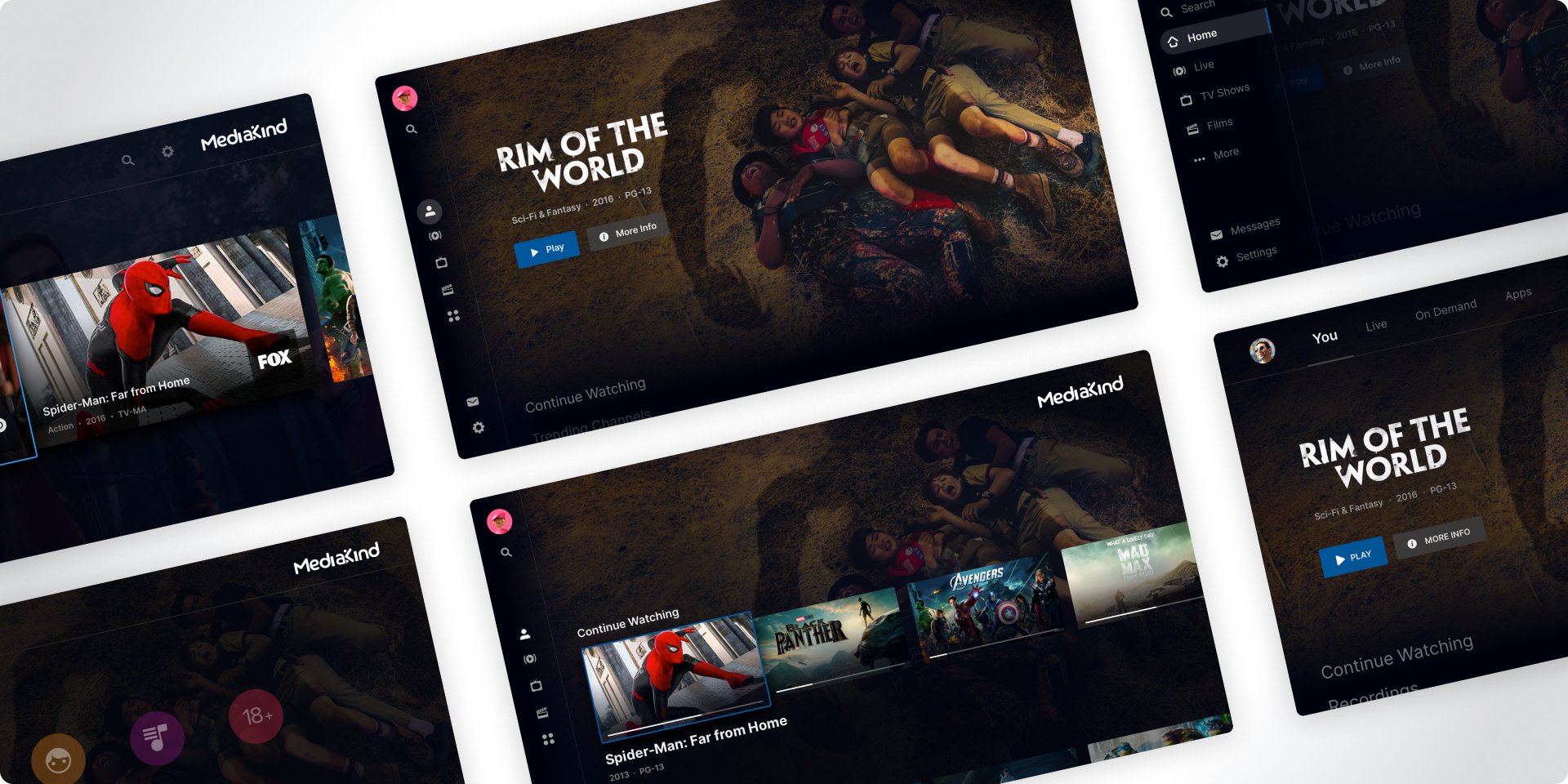
- High-fidelity UI mockups (for each device type)
- Complete design system (tokens, components, guidelines)
- Animation & motion specs
Prototype Testing & Iteration
Purpose:
Validate the UX/UI with real users and stakeholders before development.
Activities:
- Usability Testing:
Conduct tests on prototypes with sample users:
- Can they find a movie quickly?
- Do they understand DVR recording?
- Is switching between devices intuitive?
- A/B Testing of Key Flows:
- Compare different layouts for home screen or playback controls.
- Heuristic Evaluation:
- Designers and UX experts review UI against usability principles (Nielsen heuristics).
- Feedback Loop with Engineering:
- Developers review the designs for technical feasibility and optimization.
Deliverables:
- Usability test findings report
- Updated UI/UX flows
- Final validated design specifications
Handoff & Implementation Support
Purpose:
Ensure design integrity during the development process.
Activities:
- Design-to-Development Handoff:
- Use tools like Figma Inspect, Zeplin, or Storybook for component details and CSS variables.
- UI Specification Documents:
- Include spacing, typography, asset sizes, motion timings, and color tokens.
- Ongoing Design QA:
- Designers review staging builds to ensure visual and behavioral accuracy.
- Documentation for Operators:
- Provide reskinning and customization guidelines for operator-specific branding.
Deliverables:
- Developer-ready design files
- Design QA checklist
- Reskin and customization documentation